🔓 Workspace Privacy Controls: Easily Switch Between Public and Private!
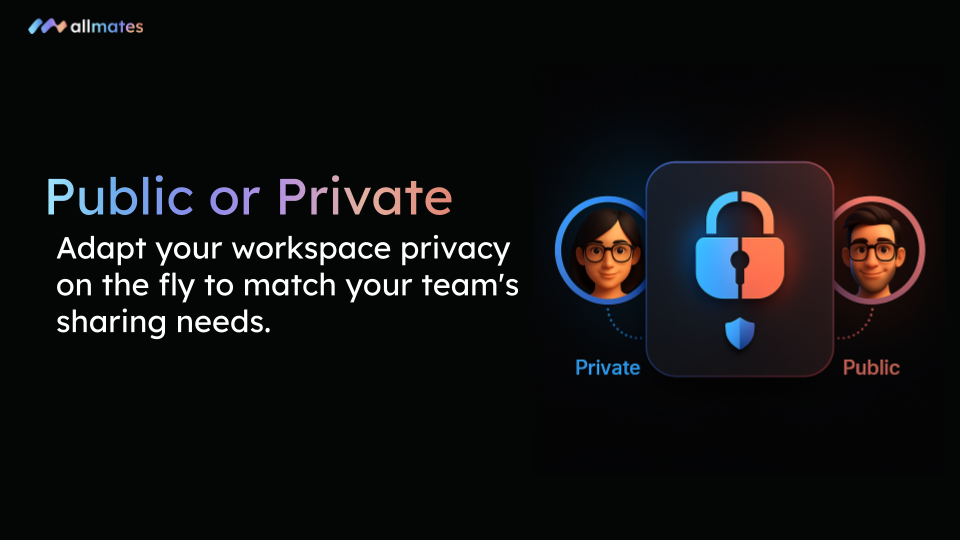
We are excited to announce a highly requested quality-of-life improvement for managing your teams on allmates.ai! You now have complete flexibility over your collaborative environments with the ability to change a Workspace's privacy settings at any time.
🔍 What’s New?
Previously, a Workspace's visibility was set at creation. Now, your Workspaces can adapt dynamically to your project's lifecycle:
Dynamic Visibility: Switch any existing Workspace from Public to Private, or Private to Public with a simple click in the settings.
Retrospective Privacy: Close off a public workspace when a project becomes confidential. Once set to Private, only explicitly added members will retain access.
Open Up Silos: Transform a private, invite-only workspace into a public hub when you are ready to share your team's work, knowledge, and Mates with the entire organization.
❤️ Why You’ll Love It
⚙️ Total Flexibility: Your workspace adapts to your needs, not the other way around. Evolve your access rights as your project grows.
🔒 Enhanced Security: Instantly lock down a workspace to secure sensitive information or strategic discussions without needing to migrate your data to a new private room.
🤝 Effortless Organization: Simplify how you manage team chats and collaborations. Easily open up successful private initiatives to the rest of the company to foster transparency.
🛠️ How to Get Started
Changing your workspace visibility is quick and easy:
Navigate to your Workspace and click the ⚙️ Settings icon (Project settings & members).
Go to the Details tab.
Locate the Visibility dropdown menu and select either Public or Private.
Click Confirm on the pop-up warning to apply your changes.
Log in now and take full control of your workspace privacy. Happy collaborating! — The allmates.ai Team